WhatsApp Business Number Banned? Here's Exactly Why It Happens and How to Get It Back
Opening WhatsApp Business to find your number banned, with no warning and no clear reason, is a special kind of panic for any business that relies on it daily. Here's a complete, practical breakdown of why bans actually happen, and the real steps to appeal and recover your number.
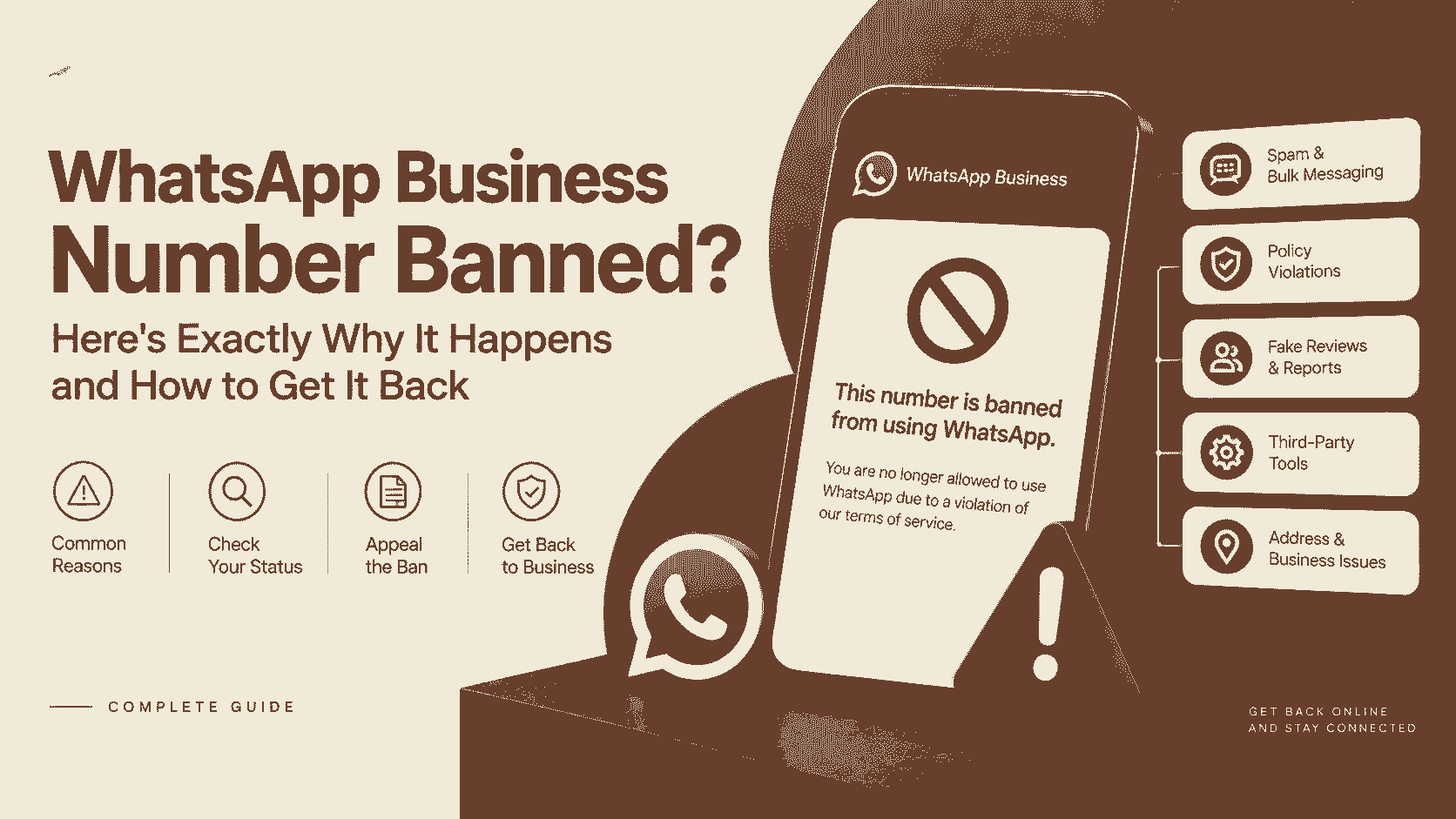
WhatsApp Business Number Banned? Here's Exactly Why It Happens and How to Get It Back
For a huge number of businesses, especially in India, WhatsApp isn't a nice-to-have, it's the primary way customers actually reach you. So opening the app one morning to a message saying "This account is not allowed to use WhatsApp" isn't a minor inconvenience, it's your entire customer conversation history, order inquiries, and support line going dark all at once, often with zero warning beforehand.
Here's a complete, practical walkthrough: why bans actually happen, how to tell what triggered yours, and the real steps that give you the best shot at getting your number back.
Temporary vs Permanent Ban: Know Which One You Have
This distinction matters a lot for what happens next.
**Temporary ban**: You'll usually see a countdown, something like "You can't use WhatsApp for the next X hours" or a similar message. This typically resolves on its own once the timer runs out, though repeated temporary bans can eventually escalate to a permanent one.
**Permanent ban**: The message will state plainly that your number is no longer allowed to use WhatsApp, with no countdown. This requires an actual appeal to Meta, and there's no way around it by simply waiting.
Why WhatsApp Actually Bans Business Numbers
WhatsApp doesn't always spell out the specific reason in the ban notice itself, but based on Meta's published policies and patterns businesses have reported, these are the most common causes:
- **Sending too many messages too quickly, especially to numbers that haven't saved or interacted with you before.** WhatsApp's spam detection is aggressive about message velocity, sending a large batch of messages in a short window, particularly to unsaved contacts, is one of the most common triggers.
- **A high number of users blocking you or reporting you as spam.** Even a modest number of block or report actions, if they happen in a short period, can flag your number automatically.
- **Using unofficial or unauthorized apps and third-party tools to automate messaging.** Anything outside the official WhatsApp Business app or a properly approved WhatsApp Business API partner is against WhatsApp's terms and is one of the fastest ways to trigger a ban, even if the actual messaging behavior seems reasonable.
- **Sending content that violates WhatsApp's commerce or business policies**, including certain restricted product categories, misleading claims, or content flagged as deceptive.
- **Using a number that was previously associated with a different banned account.** If you've purchased or reused a SIM or virtual number, it may already carry a negative reputation from a prior owner.
- **Multiple devices logged into the same business account in ways that look suspicious**, or unusual login activity from locations or devices that don't match your typical usage pattern.
What to Check Before You Appeal
Take a moment to genuinely think back on your recent activity before submitting anything:
- Did you recently send a large batch of messages, especially to numbers that hadn't messaged you first?
- Have you been using any third-party bulk messaging or automation tool that isn't an officially approved WhatsApp Business Solution Provider?
- Has your message content included anything that could be read as spammy, repetitive, or promotional in a way that might trigger multiple reports?
- Is this a new or recently ported number that might have a history you're not aware of?
Being honest with yourself here matters, because your appeal is considerably more likely to succeed if you can genuinely say you've stopped whatever caused the issue, rather than simply asserting you did nothing wrong.
How to Actually Appeal a Ban
**Inside the app, for a straightforward case:** Open WhatsApp Business, and if you see the ban notice, look for a "Request a Review" or "Learn More" option, which usually appears directly within that notice screen. This is the fastest and most direct route for many cases.
**Through WhatsApp's official support form, if the in-app option isn't available or didn't work:**
1. **Locate WhatsApp's official support contact form for banned business accounts**, rather than relying on unofficial third-party "support email" pages that circulate online, many of which are outdated or entirely fake.
2. **Provide your exact registered phone number, in full international format.**
3. **Explain your business clearly and factually.** State what your business does, how you use WhatsApp to communicate with customers, and if applicable, that you've stopped whatever practice may have triggered the ban.
4. **Avoid vague or emotional appeals.** A clear, specific, factual explanation is far more useful to a reviewer than a message about how much the ban is affecting your business.
5. **Submit and wait.** Response times vary and can take anywhere from a day to over a week. Submitting multiple duplicate requests generally doesn't speed things up and can sometimes work against you.
A Word of Caution About "Guaranteed Unban" Services
A search for this exact problem turns up a fair number of pages and forum posts offering specific "support emails" or paid services claiming to guarantee reinstatement. Treat these with real skepticism. WhatsApp does not have a public, direct email address for ban appeals separate from its official in-app and web support channels, and no third party can genuinely guarantee a ban reversal, since the decision sits entirely with WhatsApp's own systems and review team.
Once You're Back: Reducing the Risk of It Happening Again
- **Warm up new or reactivated numbers gradually.** Rather than immediately sending large volumes of messages, build up your messaging activity over the first couple of weeks.
- **Prioritize messaging people who've messaged you first, or who've clearly opted in.** This alone dramatically reduces block and report rates.
- **Only use the official WhatsApp Business app, or a properly vetted WhatsApp Business Solution Provider if you need automation or bulk messaging.** If you're not sure whether a tool you're using is officially authorized, that uncertainty is itself a warning sign worth investigating.
- **Keep your message content genuinely relevant and non-repetitive.** Sending the exact same promotional message to a large list repeatedly is one of the fastest ways to accumulate spam reports.
- **Monitor your account regularly for early warning signs**, such as unusual login notifications or a spike in customers mentioning they never received a message.
The Bottom Line
A WhatsApp Business ban is genuinely disruptive, but it's rarely completely random. In almost every case, there's an identifiable trigger, whether that's message volume, a third-party tool, or a wave of reports, and understanding what actually caused it is the single best way to write an appeal that actually works, and to avoid ending up right back here again. Approach the appeal calmly, factually, and through official channels only, and give the process the time it genuinely needs.
FAQ
Why was my WhatsApp Business number banned with no warning?
Common causes include sending a high volume of messages quickly, especially to unsaved contacts, a spike in users blocking or reporting your number, using unauthorized third-party messaging tools, or violations of WhatsApp's commerce and business policies.
What's the difference between a temporary and permanent WhatsApp ban?
A temporary ban shows a countdown and typically resolves automatically once it expires. A permanent ban has no countdown and requires submitting a formal appeal through WhatsApp's official support channels.
How do I appeal a WhatsApp Business ban?
Check for a "Request a Review" option directly within the ban notice in the app first. If that's unavailable, use WhatsApp's official support form, providing your exact registered number and a clear, factual explanation of your business and messaging practices.
Is there an official WhatsApp Business email specifically for banned numbers?
WhatsApp does not maintain a widely publicized separate email address for this purpose. Be cautious of third-party pages advertising specific "support emails" for banned numbers, and stick to official in-app and web-based support channels.
Can using automation tools get my WhatsApp Business number banned?
Yes. Using unofficial or unauthorized third-party automation and bulk messaging tools, rather than the official app or an approved WhatsApp Business Solution Provider, is one of the most common causes of bans.
How long does it take to get a WhatsApp Business number unbanned?
Response times vary, generally ranging from about a day to over a week, depending on the case and how complete and clear the appeal submission is.