Microsoft Just Redesigned Copilot, Here's What Actually Changed
Microsoft is updating Copilot with a simpler, more cohesive experience across personal, work and school accounts. The changes bring Microsoft 365 apps, files and other content closer to Copilot while also retiring some existing features. Here's what Microsoft is actually changing and what users need to know.
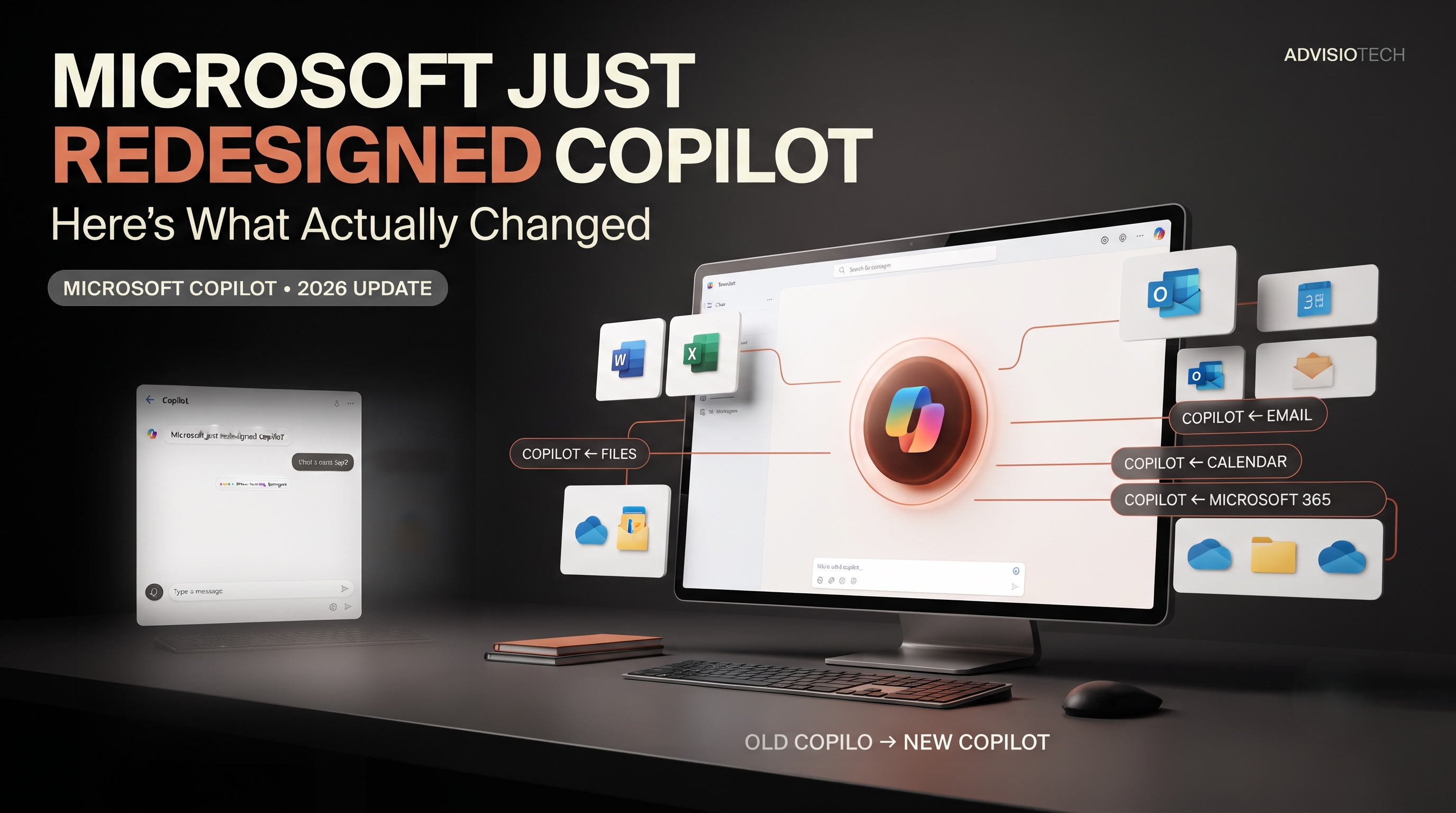
Microsoft Just Redesigned Copilot, Here's What Actually Changed
Microsoft is changing the Copilot experience, and this time the company is focusing on making the app simpler and more connected to the Microsoft ecosystem.
The updated Copilot experience is designed to work across personal, work and school accounts, while keeping those account environments separate.
Microsoft says the updated app combines Copilot chat and image creation with access to Microsoft 365 apps, files and content.
But there is another important part of the update that is easy to miss: some existing Copilot features are being retired.
So what is actually changing?
Microsoft Is Giving Copilot a New Look
Microsoft describes the updated Copilot app as a simpler and more cohesive experience.
Users can sign in with a personal account, a work account, a school account, or switch between supported account types while keeping the experiences separated.
The company says work and personal data remain separate by design.
For organizations, existing security, privacy, compliance and administrative controls continue to apply when Copilot is used with a work or school account.
Copilot Is Getting Closer to Microsoft 365
One of the more practical changes is the connection between Copilot and Microsoft's productivity tools.
Microsoft says users can access Word, Excel, Outlook, other Microsoft 365 apps, files and content directly from the updated Copilot experience.
Copilot can also connect with email, calendars and cloud storage to provide context for work or personal tasks, depending on the account and permissions being used.
That makes the update less about adding another standalone AI chatbot and more about bringing Copilot closer to the applications and information people already use.
Personal and Work Accounts Stay Separate
This is an important detail for businesses.
Microsoft says personal and work or school experiences remain separate within the updated Copilot app.
Data does not flow between those account types, and organizations continue to apply their existing security, privacy, compliance and administrative controls to work or school accounts.
That separation matters because many people use the same device for both personal and professional activities.
Some Copilot Features Are Going Away
The redesign is not simply about adding new functionality.
Microsoft's support documentation lists several Copilot features that have been retired or are being retired.
Group Chat was retired after August 18, 2026.
The Podcasts feature was also retired after August 18, 2026.
Microsoft says Deep Research is being retired in the consumer Copilot app starting August 18, 2026.
Microsoft also warns that some features may temporarily be unavailable while the updated experience is being rolled out.
For users who relied on those features, the redesign therefore represents a change in functionality as well as appearance.
What Happens to Existing Copilot Users?
Microsoft says existing users will be moved to the updated Copilot experience depending on how they currently access the service.
For personal users signing in with a Microsoft account, Google or Apple, Microsoft says chats and content come with the user when they move to the updated app.
Users who have both personal and work or school accounts can continue switching between them, while the experiences remain separated.
What About Microsoft 365?
Microsoft is making Copilot more closely connected with Microsoft 365.
According to Microsoft, users can access Microsoft 365 applications and content directly from the Copilot app.
Microsoft 365 subscribers also receive higher usage limits and access to additional Copilot capabilities compared with free users, depending on the subscription.
For businesses, this means Copilot is increasingly being positioned alongside the software employees already use instead of existing as a completely separate destination.
Is Copilot Still Free?
Yes, Microsoft says users can continue to use Copilot for chat, image creation and file uploads for free, subject to available capacity and limits.
Microsoft also says higher usage limits, access to agents and more complex multi-step tasks can depend on having a Microsoft 365 subscription.
The exact experience therefore depends on the type of account and subscription being used.
Why This Update Matters for Businesses
The most important part of the change for businesses is not the visual redesign.
It is the closer connection between Copilot and Microsoft's existing productivity environment.
Employees already work with documents, spreadsheets, email, calendars and files every day.
Microsoft is making it easier for those resources to be accessed through the Copilot experience, subject to the permissions and controls associated with the account.
That could make Copilot more relevant to everyday workflows without requiring employees to constantly move between completely separate AI tools.
But More Integration Means More Attention to Permissions
When an AI assistant is connected to workplace information, permissions become particularly important.
Microsoft says organizational security, privacy, compliance and administrative controls continue to apply to work and school accounts.
For businesses, that means the Copilot rollout should be considered alongside existing identity, access and data-governance policies.
The important question is not simply whether employees can use AI.
It is what information the AI can access through their existing permissions.
Microsoft Is Also Simplifying the Copilot Experience
Microsoft is changing how the Copilot experience is presented across its products.
The company is consolidating the experience around Copilot while making account indicators clearer so users can understand which account they are signed into.
That becomes increasingly important as people use the same AI assistant for both personal and professional tasks.
What Users Should Do
For most users, there is nothing complicated they need to do immediately.
However, if you regularly use Copilot, it is worth checking which account you are signed into and understanding which features are available under your current subscription.
If you used Group Chat, Podcasts or Deep Research in the consumer Copilot app, you should also be aware of Microsoft's stated retirement changes.
For businesses, administrators should pay particular attention to account separation, permissions and existing Microsoft 365 security controls.
The Bigger Picture
Microsoft's Copilot update shows how quickly AI applications are changing.
The focus is moving beyond a standalone chat interface toward AI being integrated with the software, files and services people already use.
Microsoft has a significant advantage here because Copilot can sit alongside an existing Microsoft ecosystem rather than requiring users to build an entirely new workflow around an AI tool.
The current update is therefore less about one flashy new feature and more about making Copilot a more connected part of Microsoft's existing software environment.
The Bottom Line
Microsoft's Copilot redesign is primarily about creating a simpler and more connected experience across personal, work and school accounts.
The updated app brings Copilot closer to Microsoft 365 apps, files, email, calendars and cloud storage, while keeping personal and organizational experiences separate.
At the same time, Microsoft is retiring several existing consumer features, including Group Chat, Podcasts and Deep Research.
The interesting part of the Copilot update isn't just how it looks. It's how closely Microsoft is connecting AI with the software and information people already use every day.
FAQ
What changed in Microsoft Copilot?
Microsoft is updating Copilot with a simpler, more cohesive experience across personal, work and school accounts, including closer access to Microsoft 365 apps, files and content.
Are personal and work Copilot accounts connected?
Microsoft says personal and work or school experiences remain separate, and data does not flow between those account types.
Is Microsoft removing Copilot features?
Yes. Microsoft says Group Chat, Podcasts and Deep Research are among the features being retired from the consumer Copilot experience.
Is Microsoft Copilot free?
Microsoft says Copilot can still be used for chat, image creation and file uploads for free, subject to limits. Higher usage and some advanced capabilities can require a Microsoft 365 subscription.
Can Copilot access Microsoft 365 files?
Microsoft says the updated Copilot app can provide access to Microsoft 365 apps, files and content, as well as connect to email, calendars and cloud storage depending on the account and available functionality.
Do businesses need to change their Microsoft 365 security settings?
Microsoft says existing organizational security, privacy, compliance and administrative controls continue to apply when Copilot is used with a work or school account. Businesses should review their own permissions and governance policies as part of any Copilot rollout.