Instagram Ad Rejected or Disapproved? Here's Why It Keeps Happening and How to Actually Fix It
Few things are more frustrating than writing a perfectly normal ad, hitting publish, and getting an instant rejection with no real explanation. Here's a complete breakdown of why Instagram actually rejects ads, how the appeal process really works, and how to stop it from happening every single time you launch a campaign.
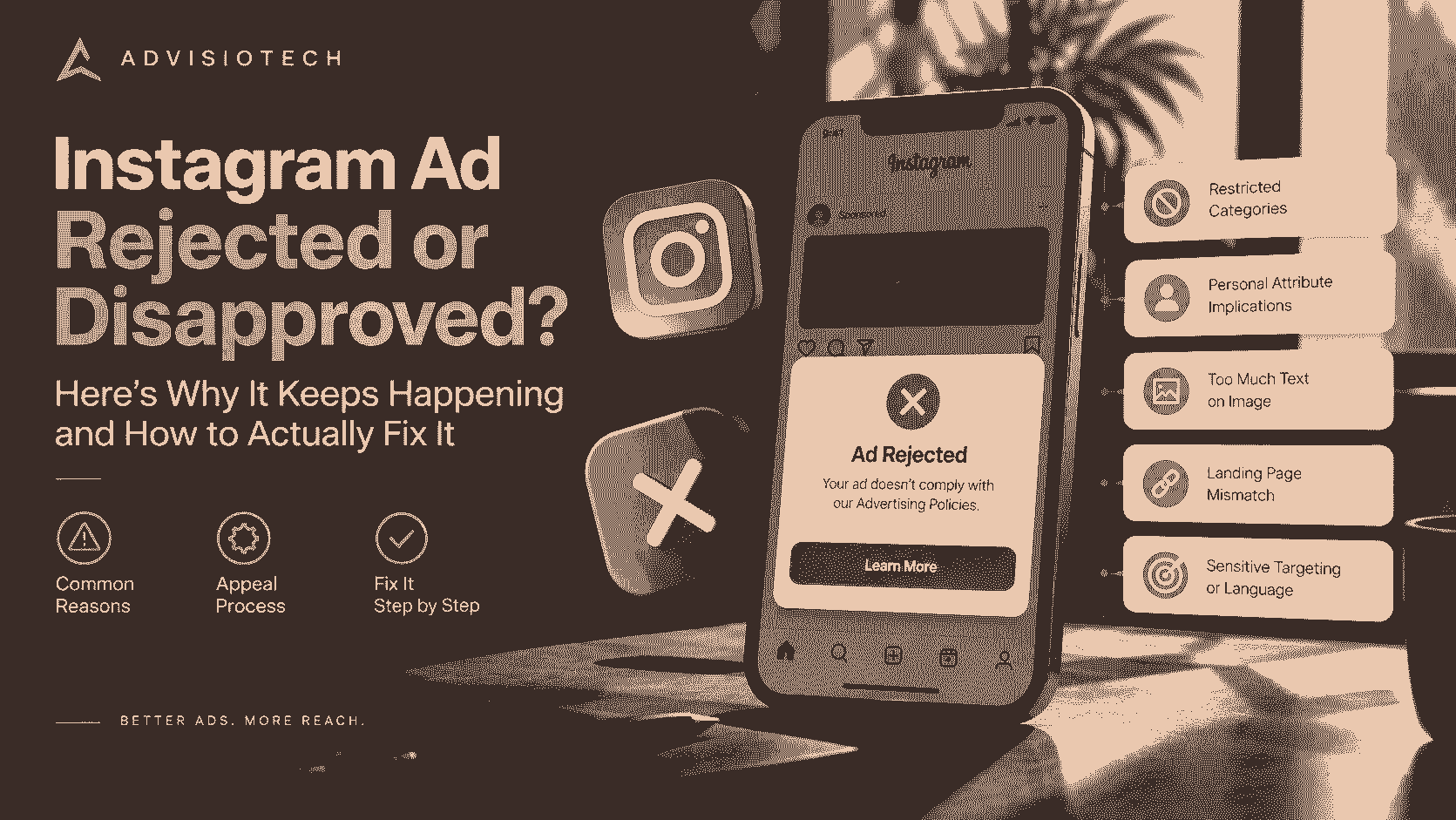
Instagram Ad Rejected or Disapproved? Here's Why It Keeps Happening and How to Actually Fix It
There's a particular kind of frustration reserved for small business owners running their first, or fiftieth, Instagram ad campaign: you write what feels like a completely normal, harmless ad, hit publish, and within minutes get a flat rejection, often with a vague policy reference that doesn't obviously apply to anything you actually wrote. If this keeps happening to you, you're not being targeted unfairly, and you're definitely not alone. Here's a complete, practical breakdown of why it happens and what actually works to fix it.
Why Instagram Ads Get Rejected in the First Place
Instagram ads run through Meta's advertising system, which relies heavily on automated review rather than a human reading every single ad before it goes live. That automation is fast, but it's also imprecise, and it tends to flag things based on patterns and keywords rather than genuinely understanding context or intent. Here are the most common real reasons ads get disapproved:
- **Restricted or prohibited content categories.** Certain industries and topics, including some health claims, financial services, weight loss, adult content, alcohol, and certain supplements, face extra scrutiny or outright restriction, even when the ad itself is fully legitimate and compliant with local law.
- **Personal attribute implications.** Meta's policy specifically prohibits ads that imply something about the viewer personally, things like "struggling with debt?" or "tired of feeling overweight?" This is one of the most commonly misunderstood rejection reasons, since the language often sounds like completely normal marketing copy.
- **Excessive text on the image itself.** While Meta relaxed its older strict 20%-text rule some years back, ad images that are still overwhelmingly covered in text can get flagged or perform worse in review.
- **Landing page mismatches or issues.** If your ad promotes one thing but the linked landing page shows something different, loads poorly, or has broken functionality, that mismatch alone can trigger a rejection.
- **Before-and-after imagery**, particularly in health, fitness, skincare, or weight-related categories, which Meta's automated systems are especially aggressive about flagging.
- **Discriminatory targeting or exclusionary language**, including ad copy or targeting settings that could be read as excluding people based on protected characteristics.
- **Account history and past violations.** An ad account with previous rejections or policy strikes tends to get flagged more readily going forward, even for genuinely compliant content, since Meta's system weighs account-level trust alongside the individual ad.
Why the Rejection Reason Given Often Doesn't Make Sense
This is genuinely one of the most common complaints, and it's a fair one. Automated review systems frequently flag ads for the wrong reason, or a reason that's technically accurate but not obviously connected to anything you actually wrote. An ad about a completely unrelated product can get flagged under a health claims policy simply because it contains a word the system associates with that category. This isn't a sign you did something egregiously wrong, it's a limitation of automated content moderation at scale.
How to Actually Appeal a Rejection
**1. Check Ads Manager for the specific policy cited.** Before appealing anything, look at exactly which policy your ad was flagged under. This tells you what angle to actually address in your appeal, rather than guessing.
**2. Use the "Request Review" option directly in Ads Manager.** This is the most direct path and routes your ad to a human reviewer rather than relying solely on the automated system that made the initial call.
**3. If the rejection seems genuinely wrong, appeal it as written, don't preemptively rewrite the ad.** If you believe the ad was flagged in error, a straightforward appeal without changes often works, since a human reviewer may simply approve it once they actually look at it.
**4. If the ad genuinely could be read as violating a policy, revise before resubmitting.** Reword anything that implies something about the viewer personally, remove excessive text from the image, and double-check your landing page matches what the ad promises.
**5. Be patient, but don't stay completely silent either.** Appeal reviews can take anywhere from a few hours to a few days. Resubmitting the exact same ad repeatedly without any changes rarely helps and can sometimes flag your account further.
If Rejections Keep Happening Repeatedly
A pattern of frequent rejections, even across genuinely different, compliant ads, is often a sign of an underlying account-level issue rather than a problem with any single ad. A few things worth checking:
- **Review your account's overall history** for any past violations or warnings that might still be affecting how new ads get reviewed.
- **Audit your typical ad copy and creative for recurring patterns**, such as habitually using second-person language that implies something about the viewer ("you're struggling with..."), which is worth rewriting into more neutral, third-person framing across the board.
- **Make sure your Business Manager and Page are both in good standing**, since restrictions on either can quietly affect ad approval even when the ad content itself is fine.
- **Consider working with Meta through official Business Support channels** if you manage a significant ad spend, since larger advertisers sometimes have access to more responsive support than the general appeal queue.
Practical Ways to Reduce Rejections Going Forward
- **Write copy in the third person rather than directly addressing the viewer's personal situation.** "Many people find it hard to save money" is safer than "Struggling to save money?"
- **Avoid before-and-after style imagery**, particularly for health, beauty, or fitness offers, even when the results are genuine and honestly represented.
- **Keep your landing page consistent with your ad's claims**, and make sure it loads properly and matches what's promised.
- **Steer clear of superlative or unverifiable claims** like "guaranteed results" or "cure," which draw extra scrutiny regardless of industry.
- **Test new, unfamiliar ad concepts with a small budget first**, rather than launching a large campaign immediately, so a rejection or account flag doesn't disrupt a bigger spend.
The Bottom Line
Instagram ad rejections are frustrating largely because the reasoning often feels disconnected from what you actually wrote, and that's a fair frustration, since automated review genuinely does make mistakes at scale. The good news is that most rejections are fixable, either through a straightforward appeal when the flag was simply wrong, or through some careful rewording when the ad genuinely brushed up against a real policy. Understanding the actual patterns behind rejections, rather than treating each one as a random, unexplainable event, makes the whole process considerably less painful the next time it happens.
FAQ
Why does Instagram keep rejecting my ads for no clear reason?
Instagram ads are reviewed largely by an automated system that flags patterns and keywords rather than fully understanding context, which means ads are frequently rejected under a policy that doesn't obviously apply to what was actually written. This is a known limitation of automated moderation rather than a sign of a specific mistake on your part.
How do I appeal a rejected Instagram ad?
Use the "Request Review" option directly within Ads Manager, which routes the ad to a human reviewer. Check the specific policy cited first so your appeal, or any edits you make, actually addresses the real issue.
What does it mean if my ad was rejected for implying personal attributes?
This means the ad copy was read as making an assumption about the viewer's personal situation, such as implying they have a specific health condition, financial struggle, or physical trait. Rewriting the copy in more general, third-person language typically resolves this.
Why do my Instagram ads keep getting rejected even when I make changes?
Repeated rejections across different ads often point to an account-level issue rather than a problem with individual ads, such as a history of prior violations or Business Manager restrictions, rather than the current ad's content itself.
How long does an Instagram ad appeal take?
Appeal review times vary, typically ranging from a few hours to a few days, depending on current review volume and the nature of the appeal.
Can a rejected ad account get permanently disabled?
Yes, repeated or serious policy violations can escalate to account-level restrictions or a fully disabled ad account, which is why addressing recurring rejection patterns early matters, rather than only reacting to individual ad rejections one at a time.