Google Search Console Now Shows Multimodal Search Traffic
Google Search Console now reports traffic from image-based searches including Google Lens, Circle to Search, image uploads, and Search this image. Here is what the new data means for SEO.
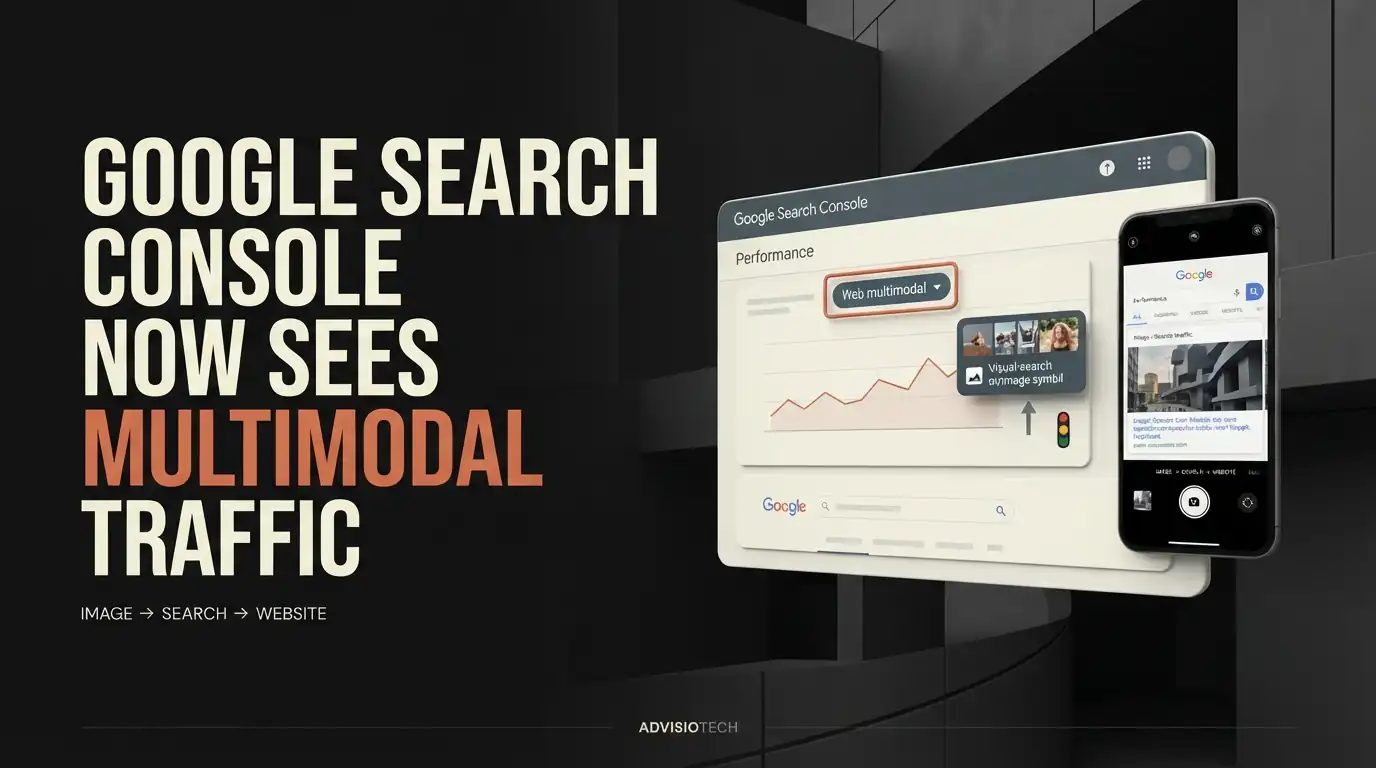
Google Search Console Now Shows Multimodal Search Traffic
Google has added a new multimodal search reporting option to Search Console, giving website owners a clearer view of how their pages perform when people use images as part of a Google Search. The rollout began globally on September 24, 2026. :contentReference[oaicite:1]{index=1}
The update matters because visual search is becoming a larger part of how people discover information. Until now, website owners could see many kinds of Search traffic in Search Console, but they had limited visibility into searches where an image was part of the search process.
What Google Changed in Search Console
Google added a new multimodal option to the Search type filter inside the Performance reports. The new reporting covers web searches where an image is used as part of the search rather than a traditional text-only query. :contentReference[oaicite:2]{index=2}
Google says the data includes searches using Google Lens, Circle to Search on Android, image uploads to Google Search, and Chrome's right-click Search this image feature. The reporting is being introduced in both the Search results Performance report and the Generative AI features Performance report. :contentReference[oaicite:3]{index=3}
What Is Multimodal Search?
Multimodal search means a search can use more than one type of input, such as an image combined with text or an image used on its own. Instead of describing something entirely with words, a user can show Google what they are looking at and ask Search to find information related to it.
For example, someone could photograph a product, upload an image, use Circle to Search on an object, or right-click an image in Chrome and ask Google to search for it. The important SEO change is that the discovery process can begin with an image rather than a typed keyword.
What Data Can Website Owners See?
The new Search Console reporting allows site owners to isolate performance associated with multimodal web searches. Google says the data will appear in the Performance report for sites receiving traffic from these searches. :contentReference[oaicite:4]{index=4}
This gives publishers another way to understand how people are discovering their content. Instead of looking only at traditional text-based search performance, an SEO team can now investigate whether its pages are also appearing when users begin their search visually.
The distinction is important because multimodal search is not the same thing as Google Images traffic. The new filter is specifically concerned with web search where an image was used as part of the search process. :contentReference[oaicite:5]{index=5}
Which Google Features Are Included?
Google says the new reporting includes several visual search experiences. Google Lens allows users to search using images captured or selected from a device. Circle to Search allows users on supported Android devices to search what they see on their screen. Google also includes image uploads to Search and Chrome's Search this image functionality. :contentReference[oaicite:6]{index=6}
These experiences have something important in common: the user does not necessarily begin with a conventional keyword query. The image itself can become part of the search input.
Why This Matters for SEO
The biggest change is not a new ranking factor announced by Google. It is the additional visibility into how people already find websites.
SEO teams have traditionally studied queries, clicks, impressions, pages, devices, and countries. Multimodal reporting adds another dimension: whether an image was involved in the search that led to a web result.
That can help publishers identify pages that may have value beyond conventional keyword searches. A page with useful photographs, diagrams, product images, screenshots, or other visual information may participate in searches where the user's starting point is an image.
However, the new report should not be interpreted as proof that adding more images will automatically increase rankings. Google has announced the reporting capability, not a new ranking guarantee for websites that use more images. :contentReference[oaicite:7]{index=7}
Does This Mean Image SEO Is More Important?
It gives image SEO more visibility, but it does not change the basic principle that images should help users understand the page.
Google's announcement says the new data is intended to help publishers understand how their content is surfaced through visual and multimodal experiences and optimize their visual content. :contentReference[oaicite:8]{index=8}
For website owners, that means images should be treated as part of the overall content experience rather than as isolated SEO assets. A useful image surrounded by relevant page content can communicate information that a text-only page cannot.
What Should You Check on Your Website?
The first step is not to upload hundreds of new images. Instead, examine the pages that already have strong visual relevance.
Product pages should contain clear product photography and useful descriptions. Tutorials can benefit from screenshots that explain important steps. Technology articles can use interface images, diagrams, and other visuals that genuinely clarify the subject. Data-heavy pages can use charts when the charts add information that is also understandable from the surrounding text.
Images should support the primary topic of the page rather than exist simply because an SEO checklist says every article needs more visuals.
How to Find Multimodal Search Traffic in Search Console
Open the Google Search Console Performance report and look at the Search type filter. Google is adding a Web multimodal option alongside the existing web search reporting for sites receiving this type of traffic. :contentReference[oaicite:9]{index=9}
Once the data is available for your property, compare multimodal performance with your normal web search performance. Look at which pages receive impressions and clicks and whether particular types of content appear more frequently in the multimodal segment.
Google also allows the data to be exported so publishers can analyze it in other tools. :contentReference[oaicite:10]{index=10}
There Is an Important Limitation
Multimodal search does not always behave like a traditional text query. Search Engine Roundtable reported that query data is not available for this search type because multimodal searches frequently rely on images rather than text. :contentReference[oaicite:11]{index=11}
That means website owners should not expect to receive a complete list of the exact words users entered for every multimodal search. The new report is useful for understanding the performance of this search type, but it does not provide the same level of query detail available for conventional text searches.
What This Means for AdvisioTech-Style SEO
For digital marketers, the broader lesson is that search visibility is becoming less dependent on a single text-query journey.
A potential customer can discover a website through a traditional keyword search, an image, Google Lens, an AI-powered search experience, a recommendation, or another search interface. That makes it increasingly important to create pages where the text, images, structure, and underlying information all reinforce the same topic.
For AdvisioTech, this is particularly relevant when developing websites and content for businesses. A page should not be designed only around the keywords someone might type. It should also make the subject understandable through the information and visual assets presented on the page.
What You Should Not Do
Do not treat the new Search Console report as a reason to add decorative stock images to every page. Do not create image-heavy pages that provide little useful information. Do not assume that an image automatically creates search visibility.
The better approach is to identify pages where visual information genuinely helps the user and make those images clear, relevant, accessible, and closely connected to the page's main subject.
The Bigger Change in Search
Google's new reporting reflects a broader shift in how people interact with Search. Search is no longer limited to typing a question into a box and receiving ten blue links. People can use cameras, screenshots, images, and other visual inputs as part of the discovery process.
For publishers, the immediate benefit of the Search Console update is measurement. Instead of guessing whether visual search contributes to website visibility, eligible sites can begin examining their own Search Console data.
That distinction matters. The new report does not guarantee more traffic, better rankings, or higher conversions. It gives website owners another piece of first-party search data with which to understand how their content is being discovered.
The Bottom Line
Google Search Console's new multimodal search reporting gives website owners a new way to see how their pages perform when users search with images. The rollout covers Google Lens, Circle to Search on Android, image uploads, and Chrome's Search this image feature. :contentReference[oaicite:12]{index=12}
The practical SEO lesson is simple: visual content should be useful because it helps people understand the page, not because an SEO checklist says every page needs more images. The new Search Console data can then show whether those pages are actually participating in multimodal search.
For businesses and publishers, this makes visual search worth measuring alongside traditional search rather than treating it as a completely separate SEO world.
FAQ
What is multimodal search in Google Search Console?
Multimodal search reporting covers web searches where an image is used as part of the search. Google says this includes experiences such as Google Lens, Circle to Search on Android, image uploads to Google Search, and Chrome's Search this image feature. :contentReference[oaicite:13]{index=13}
How do I see multimodal search traffic?
In Google Search Console, open the Performance report and use the Search type filter. Google is rolling out a Web multimodal option for eligible sites receiving this type of search traffic. :contentReference[oaicite:14]{index=14}
Is multimodal search the same as Google Images?
No. The new reporting concerns web searches where an image was used as part of the search. It is separate from treating Google Images as the search type itself. :contentReference[oaicite:15]{index=15}
Does multimodal search improve SEO rankings?
Google's announcement introduces new reporting for multimodal search; it does not say that using images automatically improves rankings. The practical benefit is better visibility into how users discover your content through visual search. :contentReference[oaicite:16]{index=16}
Can I see the exact queries used in multimodal searches?
Not always. Search Engine Roundtable reported that query data is not currently available for the multimodal search type because these searches often rely on images rather than text. :contentReference[oaicite:17]{index=17}
Why should businesses care about visual search?
Visual search creates another way for people to discover web content. Businesses with useful product photography, screenshots, diagrams, tutorials, and other relevant visual content can use Search Console's new reporting to understand whether those pages receive visibility from multimodal searches.