Google Business Profile Suspended? Here's Exactly Why It Happens and How to Get It Back
Waking up to a suspended Google Business Profile feels like your business just vanished from Google overnight. Here's a complete, practical breakdown of why suspensions actually happen, the difference between a soft and hard suspension, and the exact steps that actually get profiles reinstated.
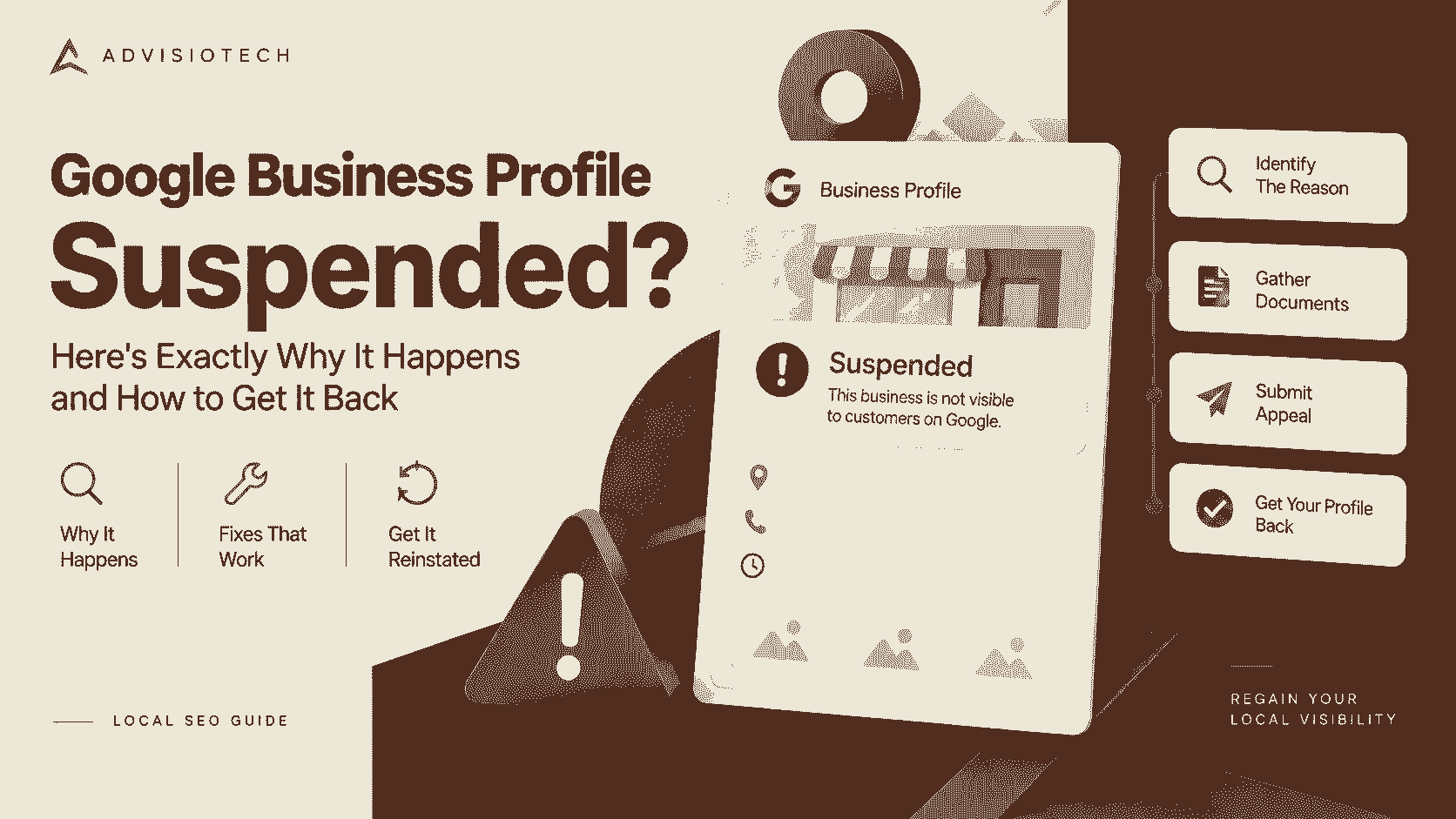
Google Business Profile Suspended? Here's Exactly Why It Happens and How to Get It Back
There's a specific kind of panic that hits when you log into your Google Business Profile and see the word "suspended" instead of your listing. No calls, no messages, no map pin, nothing. For a lot of small businesses, that profile is the single biggest source of new customers, so losing it overnight, often with no clear explanation, is genuinely stressful. Here's the complete picture: why it happens, what kind of suspension you're actually dealing with, and the steps that give you the best real chance of getting it back.
First, Figure Out Which Kind of Suspension You Have
Not all suspensions are the same, and knowing which one you're dealing with changes what you should actually do next.
**Soft suspension**: Your profile still exists and might even still show up in search, but certain features are disabled, you can't make edits, respond to reviews, or post updates. This is usually the less severe version and often easier to resolve.
**Hard suspension**: Your profile is completely removed from Google Search and Maps. It won't show up if a customer searches your business name directly, and you'll typically see a suspension notice when you try to log into Business Profile Manager. This is more serious and generally requires a formal reinstatement request.
Why Suspensions Actually Happen
Google doesn't usually explain exactly why a specific profile was suspended, which is part of what makes this so frustrating. But based on patterns businesses have reported and Google's own published guidelines, these are the most common triggers:
- **Policy violations in your business name.** Adding keywords to your listed name that aren't part of your actual legal or registered business name, something like "Sharma Dental Clinic - Best Dentist Near Me" instead of just "Sharma Dental Clinic", is one of the most common triggers for suspension.
- **Using a virtual office or an address you don't actually operate from.** Google requires a real, staffed location for most business categories, and listings tied to addresses that are actually just mailboxes or unstaffed offices get flagged frequently.
- **Recent, unusual account activity.** Changing your business name, address, or category multiple times in a short window, especially shortly after verification, can trigger a review or suspension, since this pattern is also associated with fraudulent listings.
- **Suspicious or fake reviews.** A sudden spike in reviews, especially ones that look templated, come from clearly fake profiles, or were left in an unusually short window, can lead Google to suspend the profile while it investigates.
- **Being flagged by a competitor or a false report.** Unfortunately, this does happen. Since Google allows anyone to report a listing, a bad-faith report from a competitor can trigger a suspension even for a completely legitimate business.
- **Multiple listings for the same location or business**, sometimes created accidentally by a previous employee, an old agency, or a duplicate created during a platform migration.
- **A mismatch between your website, your profile, and other online directories.** Inconsistent business name, address, or phone number across the web is something Google's automated systems weigh when assessing whether a listing is legitimate.
What to Do First
Before submitting anything, take a few minutes to actually check your listing for anything that might explain the suspension:
- Is your business name listed exactly as it appears on your signage, website, and legal documents, with no extra keywords or descriptors added in?
- Is your address genuinely accurate, and is the location staffed during your listed hours?
- Have you changed your name, address, or category recently?
- Do you have any duplicate listings for the same business, even old ones you forgot about?
- Does your business information match consistently across your website, social media, and other directory listings?
Fixing anything you find here before you appeal genuinely improves your odds, since reinstatement reviewers are specifically checking for exactly these kinds of issues.
How to Actually Appeal a Suspension
**For a soft suspension**, you'll typically find an option directly inside Business Profile Manager to request a review or verify your business again. Start there before escalating further.
**For a hard suspension**, the process generally works like this:
1. **Go to Google's Business Profile reinstatement request form.** This is separate from the regular help center and is specifically built for suspended listings.
2. **Provide your business information accurately and completely.** This includes your exact business name, address, phone number, and the email associated with the account.
3. **Attach supporting documentation.** This is where a lot of reinstatement requests succeed or fail. Useful documents include a business registration certificate, a GST certificate, a recent utility bill showing your business address, photos of your storefront or signage, and any license relevant to your industry.
4. **Write a clear, factual explanation, not an emotional one.** State plainly what your business does, confirm the information is accurate, and if you identified and fixed an issue beforehand, mention it directly. Reviewers are processing a high volume of requests and respond better to clear, verifiable information than a long explanation of how much the suspension is hurting your business.
5. **Submit and wait.** Response times vary considerably, anywhere from a few days to several weeks, and there's no reliable way to speed this up beyond making sure your initial submission is complete and accurate.
If Your First Appeal Gets Rejected
This happens more often than business owners expect, and it doesn't necessarily mean the case is closed. A few things worth trying:
- **Review the rejection reason carefully if one is given**, and address that specific issue directly in a follow-up request rather than resubmitting the same information unchanged.
- **Double-check for any remaining inconsistency** between your website, your listing, and other directories, since even a small mismatch can be enough to trigger a repeat rejection.
- **Try posting in the Google Business Profile Help Community**, an official public forum where Google Product Experts, experienced community moderators who sometimes have more visibility into specific cases, occasionally help escalate stuck reinstatement requests.
- **Be patient with the timeline.** Multiple rounds of appeal are common, and rushing to resubmit within hours of a rejection without changing anything rarely helps.
How to Avoid This Happening Again
Once you're back up and running, a few habits meaningfully reduce the odds of a repeat suspension:
- Keep your business name, address, and phone number identical across your website, your Google profile, and every directory you're listed on.
- Avoid adding extra keywords or descriptors to your business name field, no matter how tempting it is for SEO.
- Make major changes, name, address, or category, sparingly, and only when genuinely necessary.
- Monitor your reviews regularly so you notice a sudden spike in suspicious activity early, rather than after it's already triggered a flag.
- If you use an agency or freelancer to manage your listing, make sure you retain account ownership yourself, rather than the listing being tied solely to someone else's account.
The Bottom Line
A suspended Google Business Profile is genuinely stressful, especially for a business that depends on local search for real customers, but it's also usually recoverable if you approach it methodically rather than panicking. Identify which kind of suspension you're dealing with, fix anything that might explain it before you appeal, submit a complete and accurate reinstatement request with real supporting documentation, and be prepared for the process to take longer than you'd like. Most legitimate businesses do get their listings back, it just takes patience and getting the details right.
FAQ
Why was my Google Business Profile suspended with no explanation?
Google often doesn't provide a specific reason. Common causes include business name policy violations, address or virtual office issues, recent unusual account changes, suspicious review activity, or a false report from a competitor or third party.
What's the difference between a soft and hard suspension?
A soft suspension keeps your listing visible but disables editing and certain features, while a hard suspension removes your profile entirely from Search and Maps and generally requires a formal reinstatement request to resolve.
How long does it take to get a suspended Google Business Profile reinstated?
Timelines vary significantly, ranging from a few days to several weeks, depending on the complexity of the case and how complete your initial submission is.
What documents should I include in a reinstatement request?
Useful documents typically include a business registration or GST certificate, a recent utility bill showing your business address, photos of your storefront or signage, and any relevant industry license or permit.
What should I do if my reinstatement appeal is rejected?
Review any rejection reason provided and address that specific issue directly, double-check for inconsistencies across your website and directory listings, and consider posting in the official Google Business Profile Help Community for additional guidance.
Can a competitor get my Google Business Profile suspended?
Yes, this can happen. Google allows anyone to report a listing, and a false or bad-faith report can trigger a suspension even for a completely legitimate business, which is why a clear, well-documented reinstatement request matters.