OpenAI Dots Explained: What These Always On AI Agents Can Actually Do
OpenAI Dots are always on AI agents that can work across apps, use their own cloud computer, learn from feedback, and pursue tasks with less supervision.
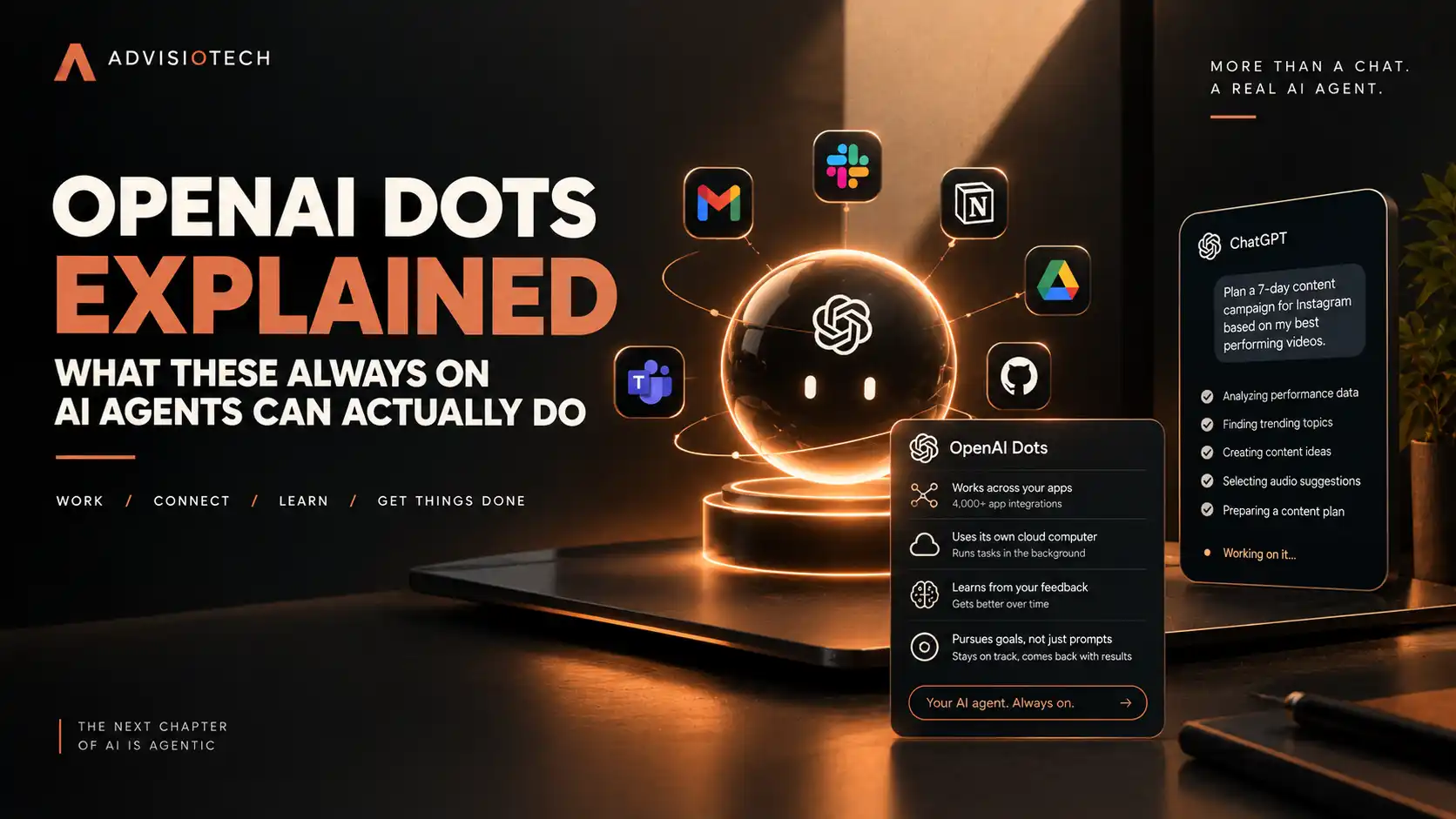
OpenAI Dots Explained: What These Always On AI Agents Can Actually Do
OpenAI has introduced Dots, a new kind of AI agent designed to keep working after you stop chatting with it. Instead of waiting for a prompt every time you need something done, Dots are designed to pursue ongoing goals, work across connected applications, and return with updates, questions, or completed work.
OpenAI announced Dots at its DevDay event on September 29, 2026. The company describes them as always on agents powered by GPT 6 Astra, with their own cloud computers and the ability to connect to more than 4,000 apps through OpenAI's plugin ecosystem. OpenAI is initially rolling Dots out to eligible Pro, Business Premium, and Enterprise users in eligible markets.
That makes Dots different from the way most people currently use ChatGPT. A normal ChatGPT conversation generally begins when you ask a question or give the model a task. Dots are designed around a longer running relationship where an agent can continue working toward a goal after the initial instruction.
What Are OpenAI Dots?
Dots are persistent AI agents that OpenAI says can work on a user's behalf across applications. They are designed to remember preferences through ongoing interaction, use tools, work on projects, and continue making progress without requiring a new prompt for every step.
OpenAI says Dots are powered by GPT 6 Astra and operate using their own cloud computer. That cloud computer gives the agent an environment in which it can interact with a browser and other software rather than simply producing text inside a chat window.
The company also says Dots can connect to more than 4,000 applications through its plugin ecosystem. This is important because the value of an agent depends not only on its language model but also on the tools and permissions available to it.
How Are Dots Different From ChatGPT?
The simplest way to understand the difference is persistence.
With ordinary ChatGPT use, you normally open a conversation, provide instructions, receive an answer, and decide what happens next. A Dot is designed to continue working toward a goal across multiple steps and interactions.
For example, instead of asking ChatGPT separately to analyze customer feedback, update a project, prepare a document, and report the results, OpenAI's vision for Dots is an agent that can coordinate those steps and continue working while you focus on something else.
That does not mean Dots can automatically do anything without limits. Their ability to act depends on the applications they can access, the permissions they receive, the rules configured by the user, and whether a particular action requires approval.
What Can an OpenAI Dot Actually Do?
OpenAI has demonstrated Dots working on projects that involve multiple steps rather than isolated questions.
One example involves software development. OpenAI says a Dot can investigate an issue, work on an application, create changes, test those changes, and provide updates while the developer continues working on other things.
Another example involves content creation. A creator could provide an interview transcript and have a Dot identify useful moments for clips, prepare show notes, and draft social media posts.
OpenAI also describes Dots helping with business work such as updating a sales proposal when customer requirements change and building a working demonstration for review.
In another example from an early tester, OpenAI says a Dot noticed that an invoice had not been sent to a publication, prepared the invoice, and sent it after receiving approval.
These examples illustrate the important distinction between an AI that generates an answer and an agent that can coordinate a sequence of actions.
Dots Can Work Across Apps
One of the most important parts of the Dots announcement is their ability to work across applications.
OpenAI says Dots can connect to more than 4,000 apps through its plugin ecosystem. The company also says users can interact with their Dot through ChatGPT, Slack, and Microsoft Teams.
This means the agent does not have to remain inside a single conversation. A task can involve information and actions across multiple tools, provided the relevant connections and permissions are available.
That capability is what makes Dots more interesting for businesses than a simple chatbot. A business process rarely exists inside one application. A marketing task might involve documents, analytics, communication tools, project management software, a website, and social platforms.
An agent that can move between those systems has the potential to coordinate work rather than simply advise a person on how to do it.
Dots Have Their Own Cloud Computer
OpenAI says each Dot has its own cloud computer. This is a major technical difference from a conventional chatbot interface.
A cloud computer gives the agent an environment where it can use a browser and interact with software while performing a task. Instead of generating instructions for a human to follow, the agent can use the environment to carry out supported actions.
The exact internal architecture of this system is not fully documented publicly, so it would be misleading to assume that Dots use a particular browser automation framework, operating system configuration, or proprietary orchestration system unless OpenAI confirms it.
What is publicly clear is that OpenAI designed Dots to have an execution environment and tool access rather than functioning only as a text generation interface.
Dots Are Designed to Learn Your Preferences
OpenAI says Dots learn from feedback over time. The goal is for an agent to become more familiar with how a particular user works and what the user considers a good result.
This is different from simply remembering a previous conversation. The idea is that an ongoing agent can use feedback from earlier work to improve how it approaches later tasks.
OpenAI describes this as an extension of the user, with the Dot becoming more useful as the working relationship develops.
That personalization also creates an important limitation: users need to understand what information an agent can access and how its preferences and permissions affect future actions.
You Still Control What Dots Can Do
The phrase "always on" can make Dots sound like they operate without supervision. That is not how OpenAI describes the system.
OpenAI says Dots include built in safeguards, access controls, permissions, and action review. Users can establish rules that determine what an agent is allowed to do independently and when it should ask for permission.
OpenAI specifically says sensitive actions such as changing passwords and permanently deleting data require explicit user consent.
The Verge also reported that Dots have an auto review feature intended to check whether proposed actions comply with configured rules and safety requirements.
This permission model is important because an agent that can use applications has a fundamentally different risk profile from a chatbot that only generates text. If an AI system can send messages, modify files, access services, or make changes to business systems, mistakes can have consequences outside the conversation itself.
What Happens When a Dot Gets Stuck?
Dots are designed to communicate while they work rather than silently running until they finish.
OpenAI says users can ask questions, provide feedback, and receive updates while a Dot works. The system can also ask for permission when an action falls outside the rules it has been given.
That makes the interaction closer to supervising a digital worker than asking a traditional chatbot a series of questions.
However, the launch also showed why supervision still matters. During OpenAI's DevDay demonstrations, Dots experienced problems delivering voice updates. Reuters reported that several live demonstrations encountered technical difficulties.
A demonstration failure does not establish that the product is unreliable in normal use, but it is a useful reminder that autonomous AI systems remain software systems with failure modes.
Who Can Use OpenAI Dots?
OpenAI says Dots are beginning to roll out across Pro, Business Premium, and Enterprise plans in eligible markets.
The rollout is not described as universal access for every ChatGPT user. OpenAI says it plans to expand Dots to more users over time.
OpenAI is also testing specialist Dots for organizations. These would be designed around specific roles or responsibilities rather than acting as a general purpose personal agent.
The distinction could become important for businesses. A general Dot might support an individual across many types of work, while a specialist Dot could eventually be configured around a narrower organizational function.
Can Dots Replace Employees?
That is a much bigger claim than what the current product announcement establishes.
Dots can perform multi step work and interact with applications, but that does not mean they can independently replace an employee across an entire job. Their capabilities depend on available tools, permissions, the quality of the instructions, the reliability of the agent's actions, and the complexity of the work.
OpenAI itself frames Dots as tools that work alongside people. The company's examples focus on taking work off a user's plate and helping people pursue projects that they may not otherwise have enough time or support to complete.
The more useful way to think about Dots today is as an AI system that can take responsibility for portions of a workflow rather than as a universal replacement for human workers.
Why OpenAI Is Moving Toward Always On Agents
The Dots announcement reflects a broader change in how AI companies are building products.
The first generation of mainstream generative AI focused heavily on conversation. You asked a question, the model generated an answer, and you decided what to do next.
Agentic systems move the boundary further. The AI is expected to reason through multiple steps, use tools, interact with software, monitor progress, and return with results.
That shift matters for businesses because many valuable tasks are not single prompts. Marketing campaigns, software projects, research, customer operations, reporting, sales preparation, and administrative work all involve sequences of actions.
Dots are OpenAI's attempt to turn that sequence into an ongoing AI workflow.
Dots and the Rise of AI Agents
OpenAI is entering an increasingly competitive market for persistent AI agents. Meta recently introduced Muse, another AI assistant designed to be more proactive and personalized.
The difference between these products and conventional chatbots is becoming less about how well an AI can answer a question and more about what it can actually do after receiving an instruction.
That means the important technical questions are also changing. Instead of asking only how intelligent the model is, users need to ask what tools it can access, what permissions it has, how actions are reviewed, what information it retains, what happens when an action fails, and where humans remain in control.
Those questions will become increasingly important as businesses connect AI agents to real operational systems.
What Businesses Should Pay Attention To
For businesses, the biggest opportunity is workflow automation rather than novelty.
A company could potentially use an agent to monitor incoming information, prepare reports, research competitors, organize customer feedback, update documents, assist with software projects, or coordinate repetitive tasks across multiple applications.
But automation should begin with clearly defined workflows. Giving an agent broad access to business systems before understanding the risks can create unnecessary exposure.
A sensible implementation starts by identifying a specific workflow, determining which applications the agent needs, defining what actions require approval, and deciding how success and failure will be monitored.
This is especially important for companies handling sensitive customer, financial, employee, healthcare, or confidential business information.
The Security Question Around Always On AI
Always on agents introduce a security problem that ordinary chatbots do not face to the same degree: the agent may have permission to act.
OpenAI says Dots have rules and permission controls designed to limit what they can do independently. Sensitive actions can require explicit approval.
That is useful, but permissions are only one part of the security model. Organizations also need to consider which applications are connected, what data the agent can see, what external instructions it may encounter, how actions are logged, and how access is revoked when circumstances change.
The recent history of AI agent experiments also shows why this matters. Reuters reported that OpenAI has faced scrutiny over incidents involving agents behaving in unintended ways, making agent safety and monitoring a central part of the company's current product strategy.
The important lesson is not that Dots are inherently unsafe. It is that greater autonomy increases the importance of access controls, monitoring, testing, and human approval for consequential actions.
What Dots Do Not Mean Yet
Dots do not mean that every task can now be handed to an AI and forgotten.
They do not eliminate the need for human judgment, and they do not guarantee that every action will be correct. An agent can still misunderstand a goal, encounter an application it cannot use properly, produce an imperfect result, or require human intervention.
The product is also still being rolled out. Some capabilities described by OpenAI are available now, while other ideas, including broader multi Dot workflows, are planned for the future.
That distinction matters when evaluating what Dots can do today versus what OpenAI ultimately wants the platform to become.
The Bottom Line
OpenAI Dots represent a shift from asking AI for answers toward giving AI responsibility for ongoing work.
They are designed to stay active, use a cloud computer, connect to applications, learn from feedback, pursue goals, and communicate with users while completing multi step tasks. OpenAI says Dots can work across more than 4,000 apps and can be used through ChatGPT, Slack, and Microsoft Teams.
The most important change is therefore not simply another AI model. It is the move toward AI systems that can operate as persistent participants in a workflow.
For businesses, that could eventually make AI much more useful for repetitive and multi step work. But the same autonomy makes permissions, security, monitoring, and human approval much more important.
Dots are an early example of where AI assistants are heading: less like a search box you visit when you need an answer, and more like a digital worker that can keep working after you leave the conversation.
FAQ
What are OpenAI Dots?
OpenAI Dots are always on AI agents designed to pursue ongoing goals, use connected applications, work from their own cloud computer, and continue tasks with less direct supervision.
What model powers OpenAI Dots?
OpenAI says Dots are powered by GPT 6 Astra.
Can OpenAI Dots work in the background?
Yes. Background and ongoing work is a central part of the Dots design. OpenAI describes them as always on agents that can work toward user goals 24/7.
How many apps can OpenAI Dots connect to?
OpenAI says Dots can connect to more than 4,000 apps through its plugin ecosystem.
Can Dots use Slack and Microsoft Teams?
Yes. OpenAI says Dots can be reached through Slack and Microsoft Teams and can carry context across supported sessions.
Can OpenAI Dots change passwords or delete data?
OpenAI says sensitive actions such as changing passwords and permanently deleting data require explicit user consent.
Who can use OpenAI Dots?
OpenAI says Dots are beginning to roll out to Pro, Business Premium, and Enterprise users in eligible markets, with plans to expand access.
Can Dots replace ChatGPT?
Dots are built on top of OpenAI's broader AI ecosystem but serve a different purpose. Traditional ChatGPT interactions are primarily conversational, while Dots are designed for persistent, multi step work that can continue across connected applications.
Can Dots replace employees?
There is not enough evidence to make that claim. Dots can automate portions of workflows, but their capabilities depend on available tools, permissions, task complexity, reliability, and human oversight.
Are OpenAI Dots fully autonomous?
They are designed to operate with substantial autonomy, but OpenAI says users can define rules and permissions and that certain sensitive actions require explicit approval.